
MT4 vs MT5 White Label: A Decision Matrix for Platform Selection
Platform selection is a multi-criteria decision. A matrix keeps it explicit: define criteria, weight them, score both platforms and examine the sensitivity.
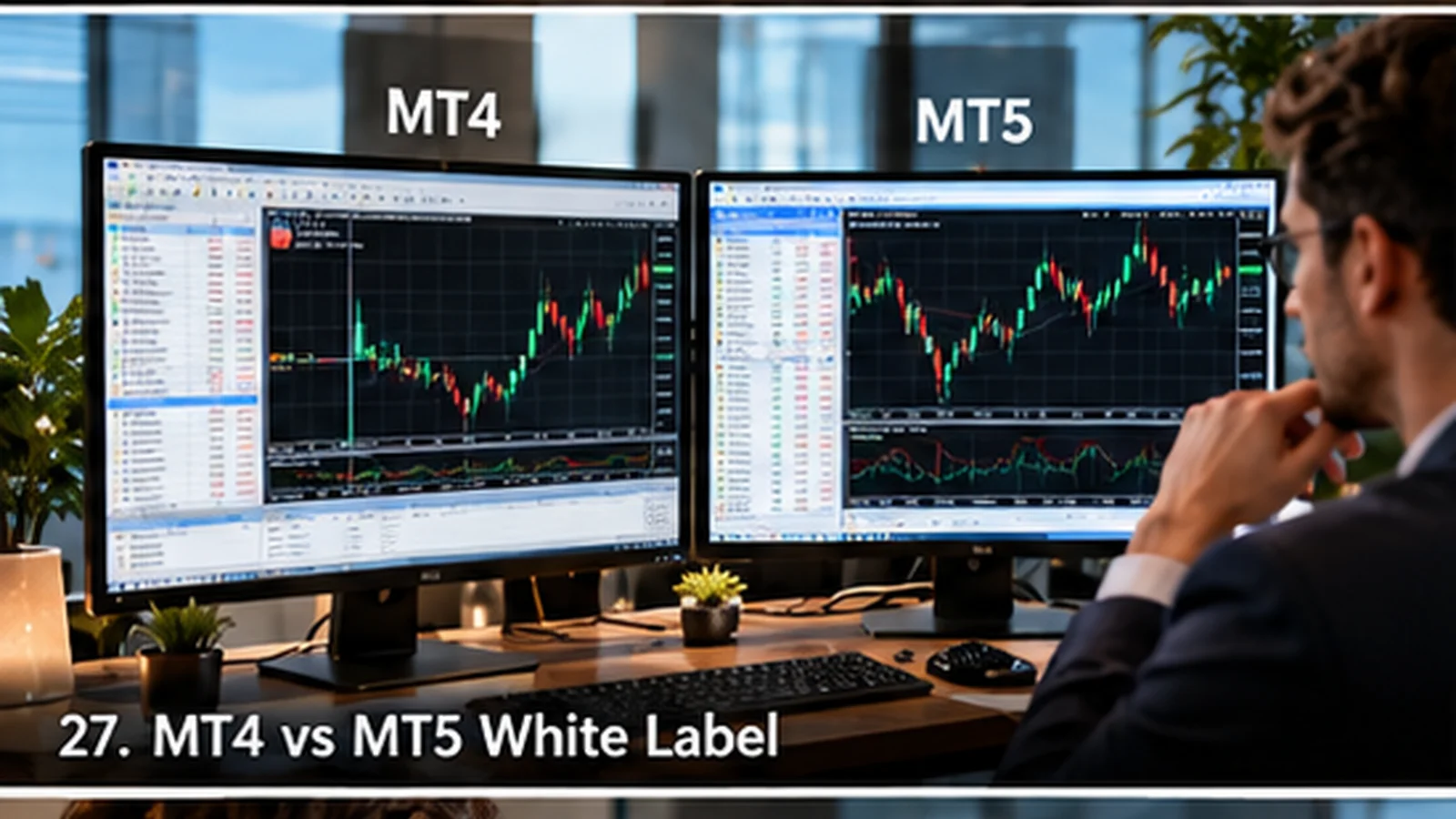
Define the criteria
Suggested criteria: audience preference, instrument range, account modes (hedging and netting), expert advisor and indicator dependence, integration support, provider roadmap, migration cost.
Technical differences to score
MT5 supports more asset classes and both hedging and netting modes, and uses MQL5. MT4 is focused on forex and CFDs with hedging and uses MQL4. Expert advisors and indicators are not interchangeable.
Integration coverage
Confirm CRM, bridge, payment and plugin vendors support each platform and its management interfaces. See the integration specification.
Weight and score
Assign weights that sum to 100, score each platform from one to five and compute totals. Test the result by changing the weights of the two most uncertain criteria.
Decide and document
Record the decision, the weights and the assumptions. Review it if the provider roadmap changes. See MT4 white label and MT5 white label turnkey.
Pilot before committing
If possible, run a small pilot of the leading option with test accounts and the tools your clients use. Record issues with expert advisors, integrations and reporting.
A pilot provides evidence for the matrix scores and may reveal a dependency you missed.
Criteria and technical differences
Define criteria before scoring: client tool dependence, instruments and account modes needed, integration coverage (CRM, bridge, reporting), operational familiarity, provider support horizon and cost. Technical differences to score include programming environment (MQL4 versus MQL5), account modes (hedging and netting), order and instrument support, and tool ecosystem.
Score only differences that affect your requirements.
Weighted scoring table
| Criterion | Weight | MT4 score | MT5 score | Evidence |
|---|---|---|---|---|
| Client tool dependence | Survey | |||
| Instrument coverage | Product plan | |||
| Account mode needs | Requirements | |||
| Integration coverage | Vendor letters | |||
| Provider horizon | Written statement | |||
| Cost over 3 years | Quotes |
Run a sensitivity check on the two most uncertain weights.
Pilot and decision record
Pilot the leading option with test accounts and the tools your clients use. Record issues with EAs, integrations and reporting. Document the decision, assumptions and review date.
See our MT4 startup guide for compatibility inventory practice.
Worked example: scoring with evidence
Client tool dependence scores 5 for MT4 based on a survey where 70 percent of respondents rely on EAs; integration coverage scores 4 for both after vendor confirmation; provider horizon scores 4 for MT4 and 5 for MT5 from written statements. Weighted totals are close, so the team pilots both with ten clients and uses the findings to resolve.
The pilot result and the survey are stored with the decision.
Operational runbooks
Each platform needs runbooks for provisioning, group changes, reporting and incidents. Compare the effort to write and maintain them and include it in total cost.
Integration test matrix
Build a matrix of integrations against platform versions: CRM, bridge, reporting, risk tools, payment connectors and partner tools. Mark each as tested, vendor-confirmed or unknown, and plan tests for unknowns.
The matrix highlights hidden dependency risks before the decision, when switching is still inexpensive.
Frequently asked questions
Which differences matter?
Those affecting your clients’ tools, instruments, account modes and integrations.
How do I reduce scoring bias?
Use weights set in advance, evidence for each score and sensitivity checks.
Should I pilot?
Yes, with test accounts and the tools clients actually use.
What should the decision record include?
Scores, evidence, assumptions and review date.